
 Login
Login


Nominations
Maximize engagement and save time by replacing manual processes with automated, rule-based award submission and approval workflows.


Save Time
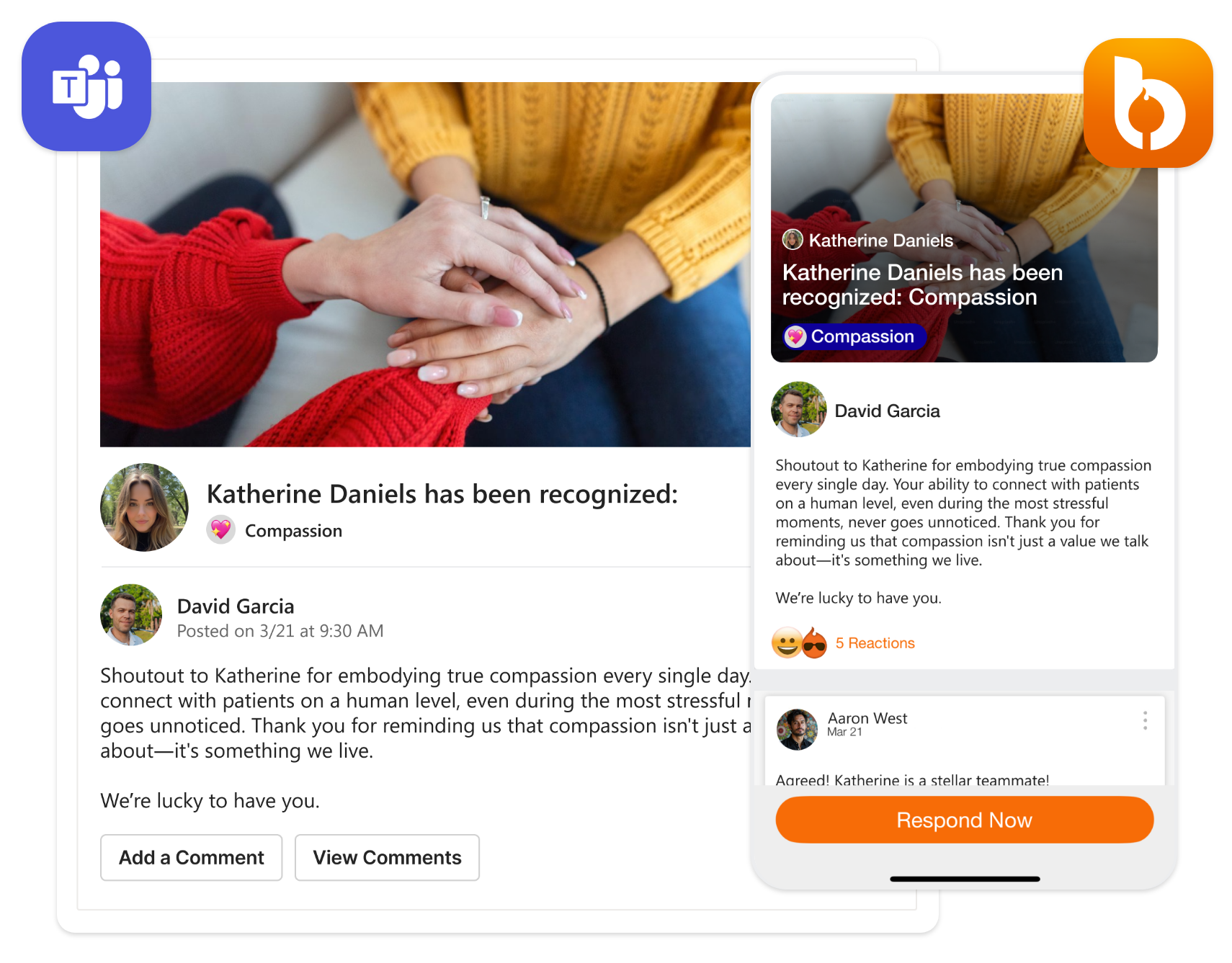
Reduce “app switching,” emails, and barriers to participating by engaging everyone through the channel that’s best for them: Microsoft Teams, QR code, the Bonfyre App, and more
Approval Workflows
Automated, rule-based approval workflows tied to job title, reporting relationship, department, etc. and streamline all stages: submission, approval, rejection, and resubmission.


Flexibility
Bonfyre supports multiple Nomination program types. Setup approvals to evaluate each nomination individually or as a “pool” where nominations are batched together for review and approval.
Customization
Create and customize your Nominations form with multiple question types (likert, short answer, choice, etc.), required/optional, attachments, and welcome/closing messages, as well as nominee award notifications.


Control
Bonfyre Dynamic Groups and rule-based controls make it easy to set budget restrictions and award levels, as well as eligibility requirements based on criteria like job title or awards received.
Share
Once approved, Managers have the option to share the recognition with others so they add comments and well wishes. When sharing with others, the award amount is hidden.

Customers think we’re 🔥
In Bonfyre we share announcements, welcome new employees and recognize our team members – and it’s so easy to use, especially since it’s embedded in Teams.


For us to have less turnover, our employees need to like where they work. With Bonfyre, they feel more recognized and more part of a group – it helps us keep our employees.

The Bonfyre support team made rollout fun and exciting. They have a continuous innovation mindset, the support from their team is exemplary.
Free software to celebrate milestones, life events great work, new hires, and more.
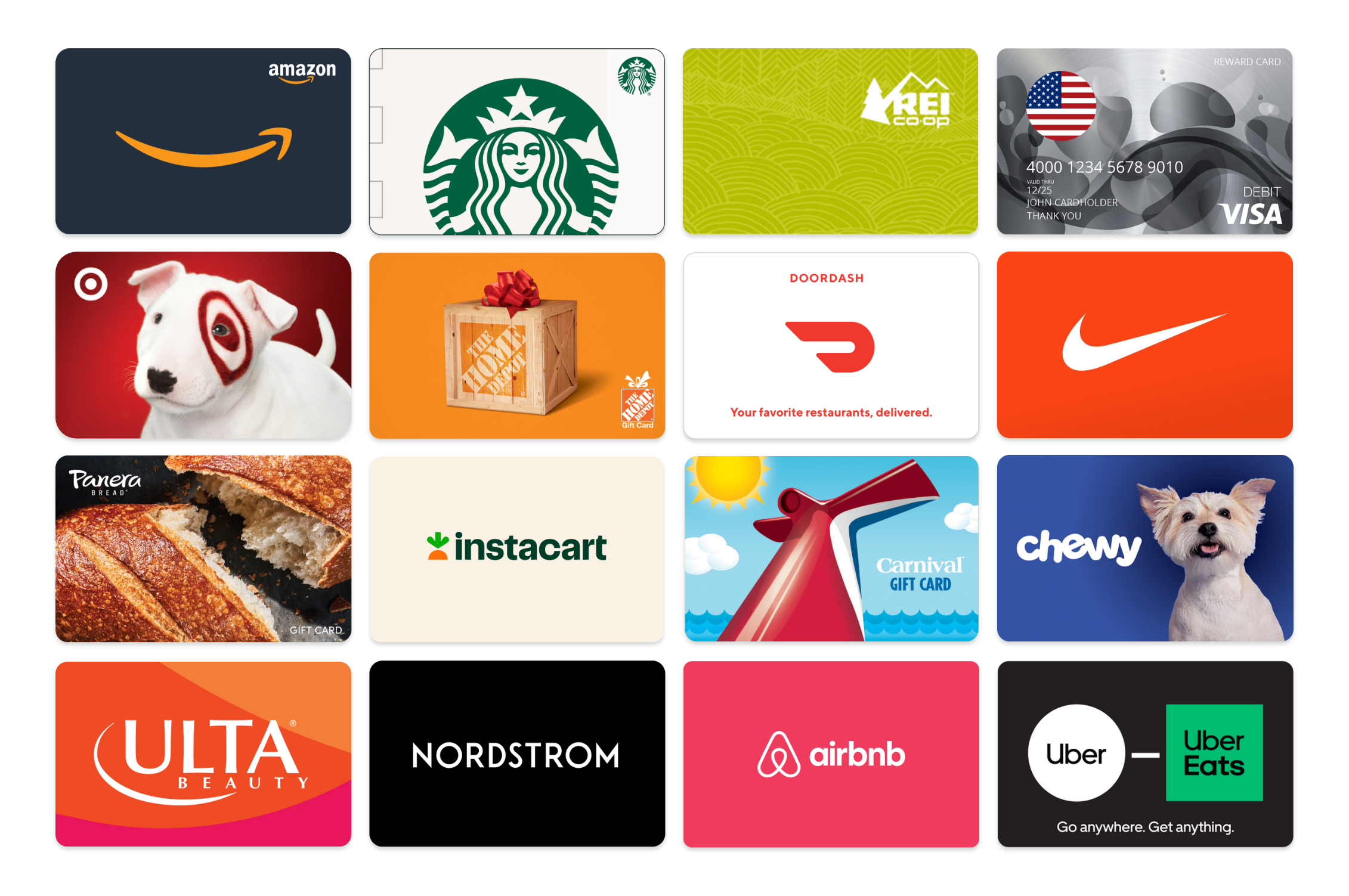
- Rewards Store
- Payroll Reports
- Bulk Awards
- Anniversaries
- New Hires
- Life Events
- Custom Notifications
Drive recognition at scale with nudges, nominations, manager budgets, and more.
- Rewards (Free)
- Celebrations
- Nominations
- Culture Coach
- Manage Budgets
- Social Recognition
- Challenges
- Payroll/HSA
Drive engagement at scale by turning survey data into directly measurable, digital actions.

- Recognition Pro
- Communications
- Campaigns
- Culture Coach Pro
- Survey & Polls
- Team Activities
- Spotlights